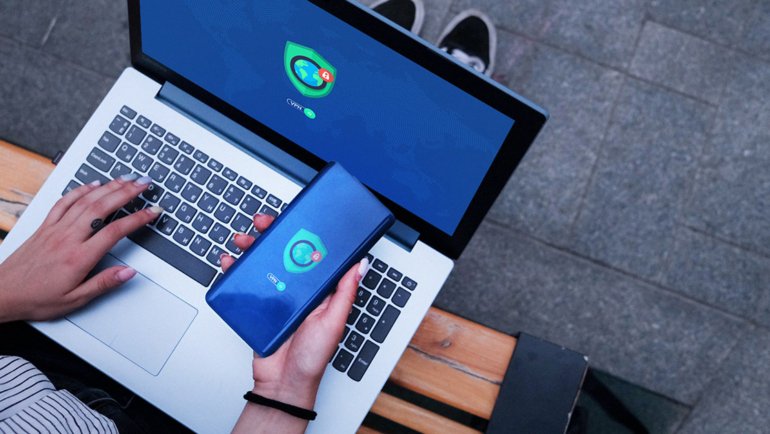
Going abroad no longer means disconnecting or paying high roaming charges. Thanks to the digital revolution, eSIM technology keeps you connected anywhere. For explorers, nomads, and wildlife lovers, eSIM offers freedom and reliable online access in remote places.
What Is an eSIM?
An eSIM is a digital SIM built into your phone, tablet, or wearable. Unlike traditional SIM cards, it requires no chip, tool, or swapping. This rewritable chip stores multiple carrier profiles so you can switch data plans and phone numbers digitally.
This technology moves the activation process from a physical store to a digital interface. Whether you’re preparing for a safari, a mountain trek, or deep jungle exploration, your internet connection can be secured before you even board your flight.
For devices with dual SIM slots (one physical and one eSIM), you can enjoy dual SIM functionality, keeping your home number active for calls while using a local internet package on the eSIM.
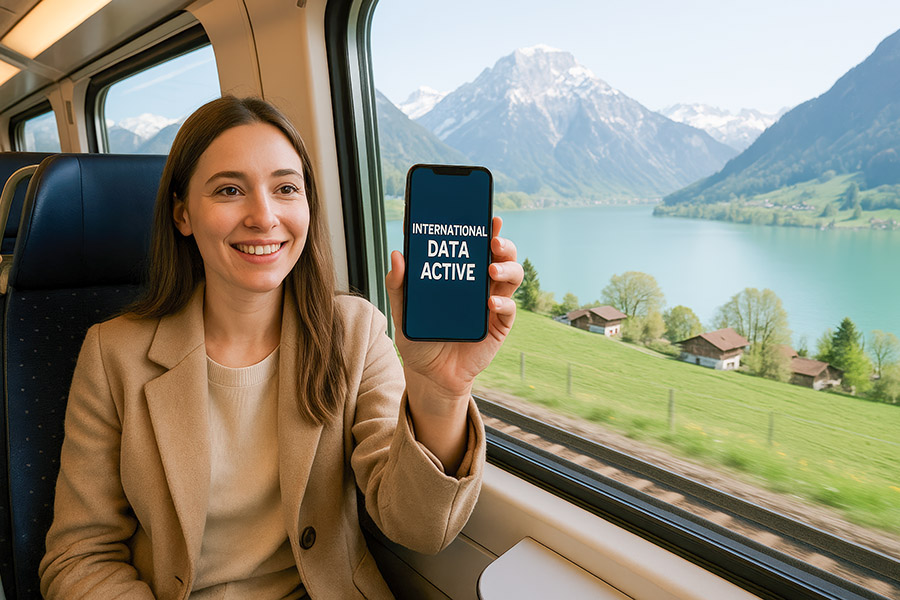
Benefits of Using an eSIM for Remote Travel
The advantages of an eSIM for international wilderness travel are profound, extending far beyond mere convenience.
1. Immediate Connectivity
Land in a foreign country, and you’re online within minutes. No more hunting for airport SIM cards or struggling with a foreign local provider in a remote town. Your global eSIM is ready to go.
2. Cost Efficiency
Dramatically reduce or eliminate crippling carrier roaming fees. With an eSIM, you can purchase affordable regional plans or international data plans tailored to your destination.
3. Space and Flexibility
The digital SIM card saves precious device space and is more resilient, often aligning with a device’s water and dust resistance. You can switch between carrier profiles or top up your plan from anywhere with a basic local internet connection.
4. Enhanced Security
Using a global eSIM from a reputable provider can offer safer browsing on local networks, with some services including basic web protection and robust encryption methods for your data. This is crucial when using public Wi-Fi in a lodge or town before heading into the wild.
5. Superior Control
Many eSIM apps provide real-time usage notifications, balance managing tools, and easy top-ups, preventing unexpected data cuts in areas with no customer support.
For those venturing to Southeast Asia, securing an eSIM Malaysia plan before arrival ensures seamless connectivity, allowing for real-time navigation and communication. This eliminates the hassle of physical SIM cards and often provides better rates than airport kiosks, letting you share your adventures the moment you land.
Where to Buy an International eSIM
Choosing the right eSIM providers is key to a reliable connection. Avoid the stress by purchasing before your trip. Dedicated eSIM providers offer a vast array of regional plans, single-country plans, and global eSIM options. Unlimited data packages are perfect for data sharing via mobile hotspot to other devices.
An increasing number of local provider networks worldwide now support eSIM. You can often visit their website, purchase a plan, and receive a QR code via email, bypassing the store visit.
Furthermore, you can check if your home carrier offers eSIM plans for travel. While sometimes better than traditional roaming charges, they may not be as cost-effective as specialized providers.
Always check the validity period (e.g., 7, 15, 30 days), the 4G capability and network coverage in your target regions, and the fine print on unlimited data (which may have fair-use limits). A strong support team is invaluable if you face eSIM activation issues in a different time zone.
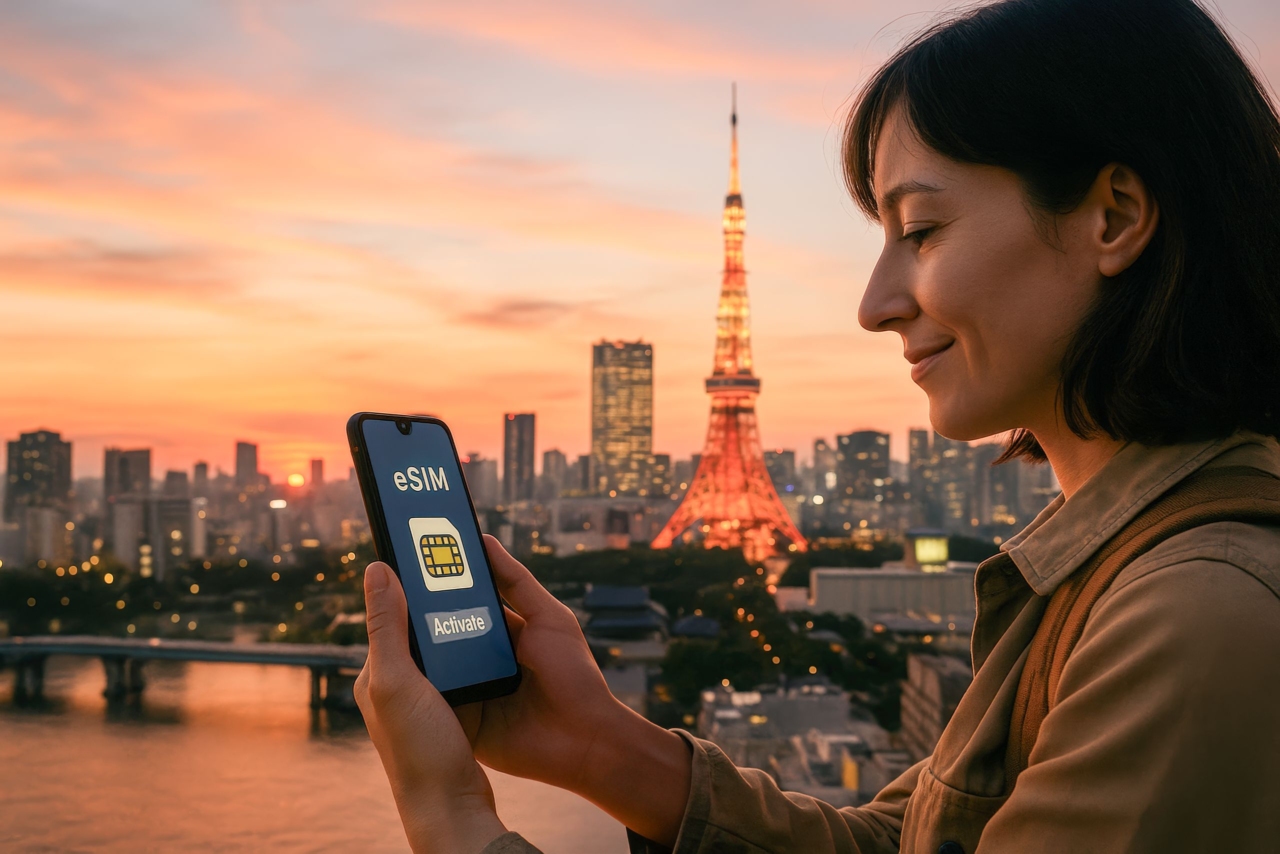
How to Use an eSIM: A Step-by-Step Guide
Follow these steps to get online easily during your trip:
1. Check Compatibility
Make sure your unlocked device supports eSIM (e.g., recent iPhones, Google Pixels, Samsung Galaxies). Consult your device manufacturer’s website or settings menu for a definitive list of eSIM-capable models.
2. Buy Your Plan
Purchase your eSIM plan from your provider before you travel. You’ll get a QR code and setup instructions by email. It is advisable to complete this purchase at least 24 hours before departure to allow time for email delivery and setup.
3. Install
Use your home Wi-Fi to install the eSIM. In settings, select Add Cellular Plan and scan the QR code. Label it (e.g., Travel Data). This installation process takes only a few minutes and does not affect your primary phone number.
4. Activate
Upon arrival, turn on your new data line according to provider instructions, usually just a quick toggle in settings. Most eSIMs will automatically connect to a local network as soon as you land and enable the plan.
5. Manage
Choose your preferred data line, enable mobile hotspot if needed, and track usage in settings. Set up usage alerts for peace of mind.
Set up your digital connectivity layer before you leave to avoid unnecessary stress during your trip. You can easily switch your primary data line on-the-fly for optimal performance between your home and travel plans.
Critical Considerations for the Wilderness Traveler
Connectivity in the wild has unique challenges. An eSIM doesn’t create a signal; it simply provides access to local networks. Research the network coverage maps of the underlying carriers in your eSIM plan for your specific trekking or sailing route. Satellite communicators remain essential for true off-grid safety.
Be mindful of battery consumption. Constantly searching for a signal in low-coverage areas drains power. Use airplane mode strategically and carry a power bank. Furthermore, understand that a virtual location or VPN might be part of your web protection, but your phone number on an eSIM is still tied to the country of the plan.
The Bottom Line
The eSIM provides seamless freedom from costly international roaming fees and simplifies managing your data balance. It provides the critical internet connection needed for maps, emergency info, and sharing your journey, while being kinder to the planet through environmental sustainability. Pair your eSIM activation with smart flight booking tips and thorough research on network coverage, and you have a powerful tool for confident exploration.